Database
Store and query operational data with SyncMyOrders object models instead of wiring your own tables.
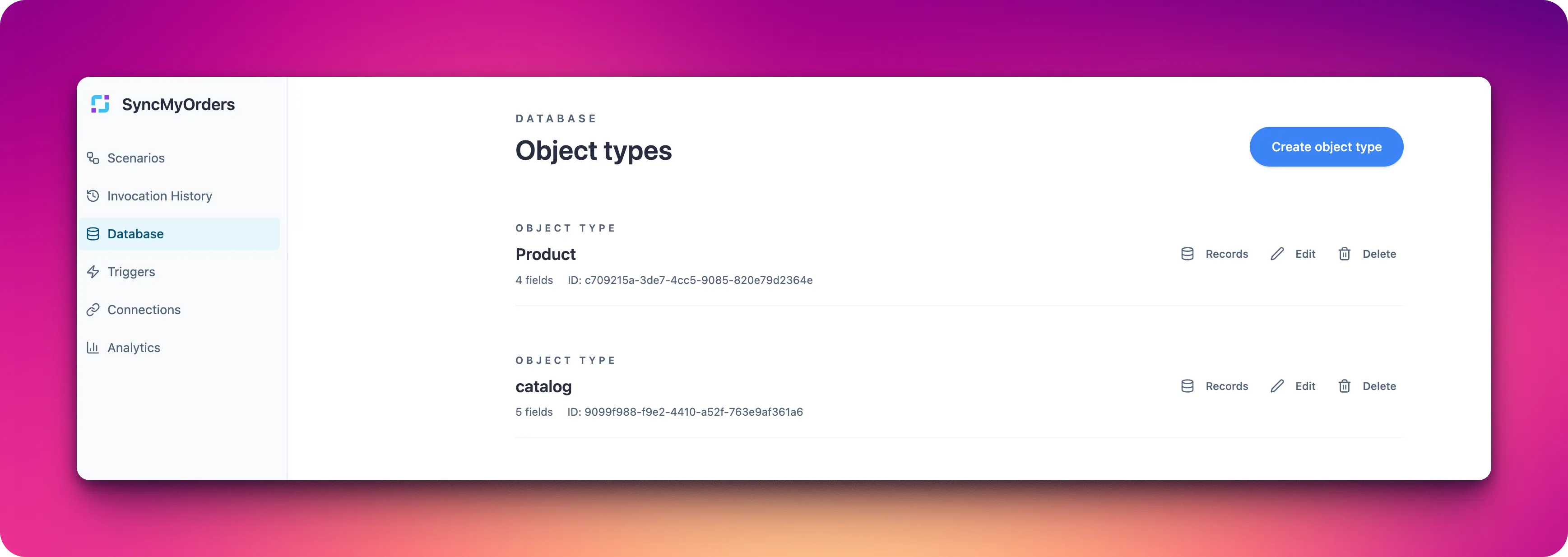
SyncMyOrders includes a built-in database for operational data like orders, customers, and job metadata. Define schemas, persist records from scenarios, and read them back without managing external storage.
When to use it
- Keep a normalized catalog of orders or shipments that multiple scenarios can reference.
- Track state between runs (deduplication keys, pagination cursors, reconciliation checkpoints).
- Cache enrichment results so you don’t re-call third-party APIs unnecessarily.
- Prototype quickly without setting up a separate database or ORM.
Core pieces
- Schemas: Define the fields and types your scenarios will write (for example,
order_id,channel,status,total). - Instances: Records created from a schema, written and read via the Object Model agent.
- Queries: Filters to fetch slices of data for downstream processing or reporting.
Getting started
- Model the object you need (orders, shipments, customers, or a custom helper object).
- Create or update the schema with required fields and validation where possible.
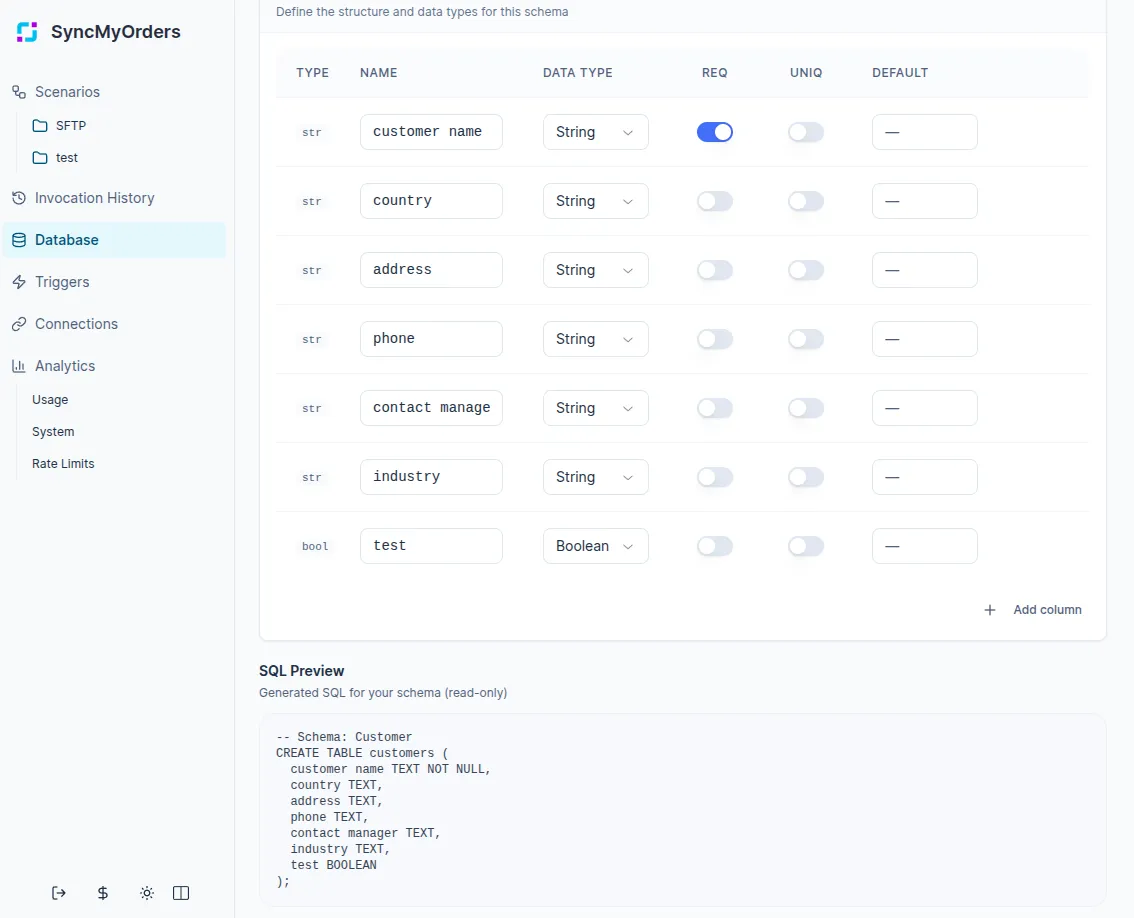
- Use the Object Model agent in your scenario steps to create, query, or update records.
- Review how scenarios will read the data (lookups, reports, reconciliations) and keep fields purposeful to avoid storing unnecessary payloads.
Writing data from scenarios
The Database page is the central place where scenarios create and manage object instances (records) in your object models. Scenarios don’t write to tables directly — they use the Object Model agent, which persists data into the schemas you see on the Database page.
Typical write patterns:
- Create: Insert a new instance when an event occurs (e.g., a new order, shipment, or imported file row). The new instance appears immediately in the corresponding schema on the Database page.
- Create-if-not-exists: Insert an instance only if no matching record is found by your uniqueness criteria (e.g., external_id + source_system). This is useful when SFTP/API sources resend the same file or overlapping data.
- Update: Update an existing instance when its status or fields change (e.g., order status, reconciliation flags), while optionally keeping detailed history in separate “log” or “audit” schemas.
Each of these operations is visible on the Database page as changes to individual instances, so you can inspect the latest state and troubleshoot scenario behavior.
Querying data from scenarios
Use the Object Model agent to read what you see on the Database page back into your scenarios:
- Single instances: Fetch an instance by ID or a combination of key fields (e.g., order_id and channel) to drive next steps in a scenario.
- Filtered lists: Query a list of instances matching filters
- Existence checks: Check whether at least one instance exists that matches certain filters (useful for deduplication, branching, or idempotency).
Because all of these queries operate on the same data you see on the Database page, you can design and debug your filters there (by visually inspecting fields and values) and then reuse them in scenarios.
Mapping data from SFTP/API sources to Database schemas
When you ingest data from SFTP or API sources, each row or object typically becomes an instance in one of your Database schemas:
-
Choose the target schema: decide which business object the incoming data represents (Order, Customers) and map each row to that schema’s instances.
-
Map source fields to schema fields: in scenarios, use transformation steps (e.g., mapping, JSON-path, expressions) to assign values from the incoming table or JSON payload to the fields defined in your schema.
-
Define keys for deduplication and updates: pick fields from the SFTP/API data that uniquely identify a record (such as external_id, file_name + row_number, source_system + business_id) and use them as filters for create-if-not-exists or upsert operations.
-
Normalize data types and formats: convert dates, numbers, and enums into consistent formats that match your schema (e.g., parse timestamps, normalize currency codes) before writing to the Database.
-
Handle optional and missing fields: explicitly map optional fields with guards (e.g., IS_EMPTY checks) and define sensible defaults so that scenarios don’t break when some columns are missing or null in the incoming data.
When designing your schemas and mappings, ensure the objects displayed on the Database page reflect the logical entities used in your scenarios, rather than strictly mirroring the raw structure of individual SFTP files or API responses.